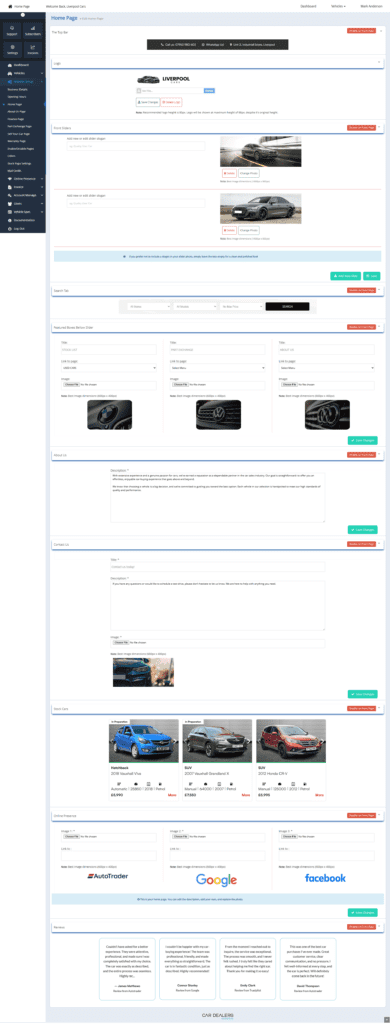
To update your home page, follow these steps:
1️⃣ Log in to your dashboard.
2️⃣ On the left-hand side, click on “Website Setup.”
3️⃣ Select “Home Page.”
4️⃣ Once the home page loads, you will see tabs on the right, each representing a section of your website, including:
- Top Bar
- Logo
- Front Slider
- Search Tab
- Boxes Below Slider
- About Us
- Contact Us
- Stock Cars
- Online Presence
- Reviews
5️⃣ Editing Content:
- Click on any tab to edit its content.
- You can upload new photos or edit text in each section.
- If you don’t want a section to appear on the front page, click the red “Disable on Front Page” button. To enable it again, click the button once more.
6️⃣ Saving Changes:
- After making updates, don’t forget to click “Save Changes” to apply them.
Your edits will be reflected on your website immediately. Let us know if you need any help! 😊